
All platforms
Steam
Steam achievements
Every game in your Steam library with achievements, rarity and playtime, plus store reviews and news.
What the app gets from Steam
- Games: every game you own. Games without achievements stay in the list.
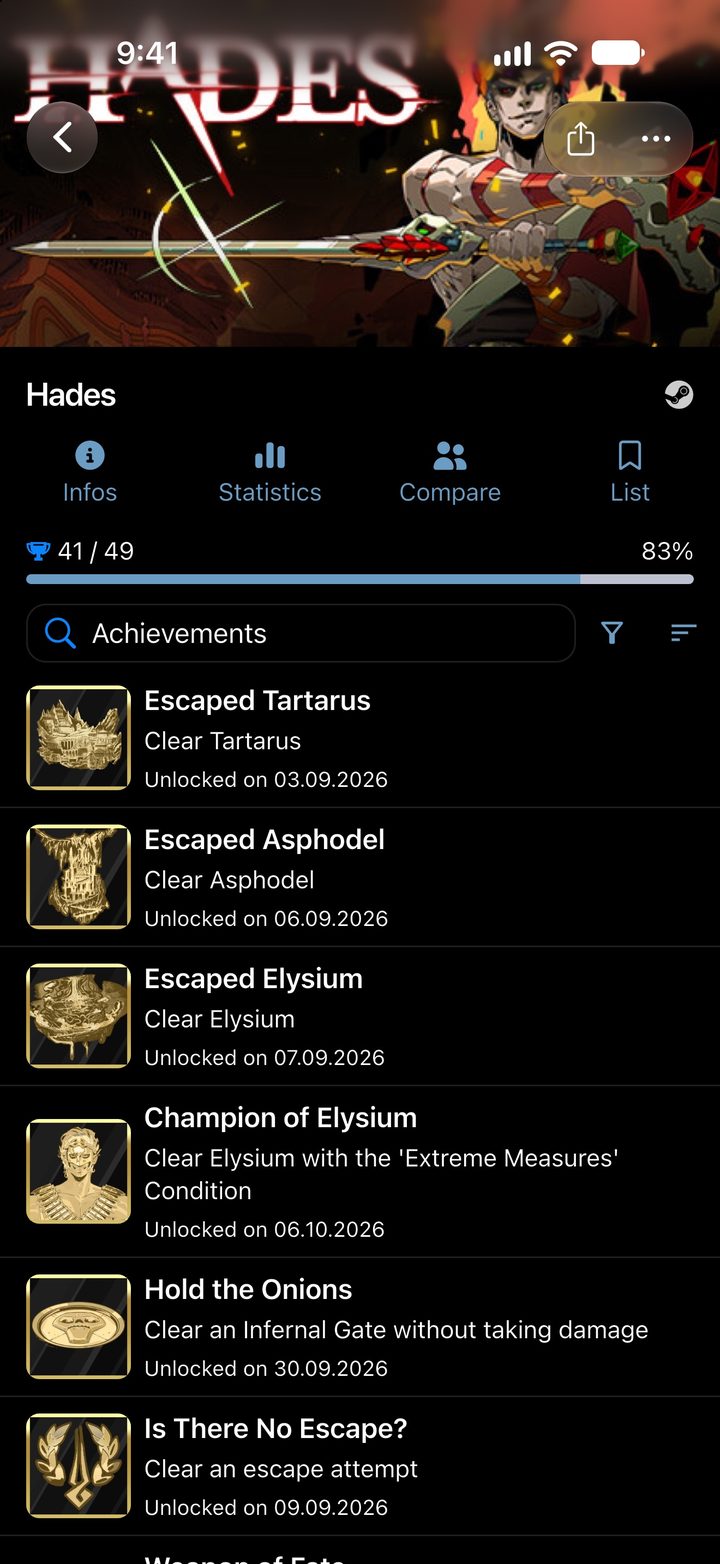
- Achievements: name, description, icon and unlock date. If Steam tracks progress for an achievement, the app shows it.
- Rarity: the percentage of all players who have an achievement, straight from Steam.
- Playtime: your total playtime and when you last played.
- Friends: your Steam friends list. You can compare your progress in a game with a friend’s and see what they played recently and which games they own.
- Steam only: store reviews, news about the game, your Steam level on the profile and a link to the Steam Community’s achievement guides.
A closer look
-
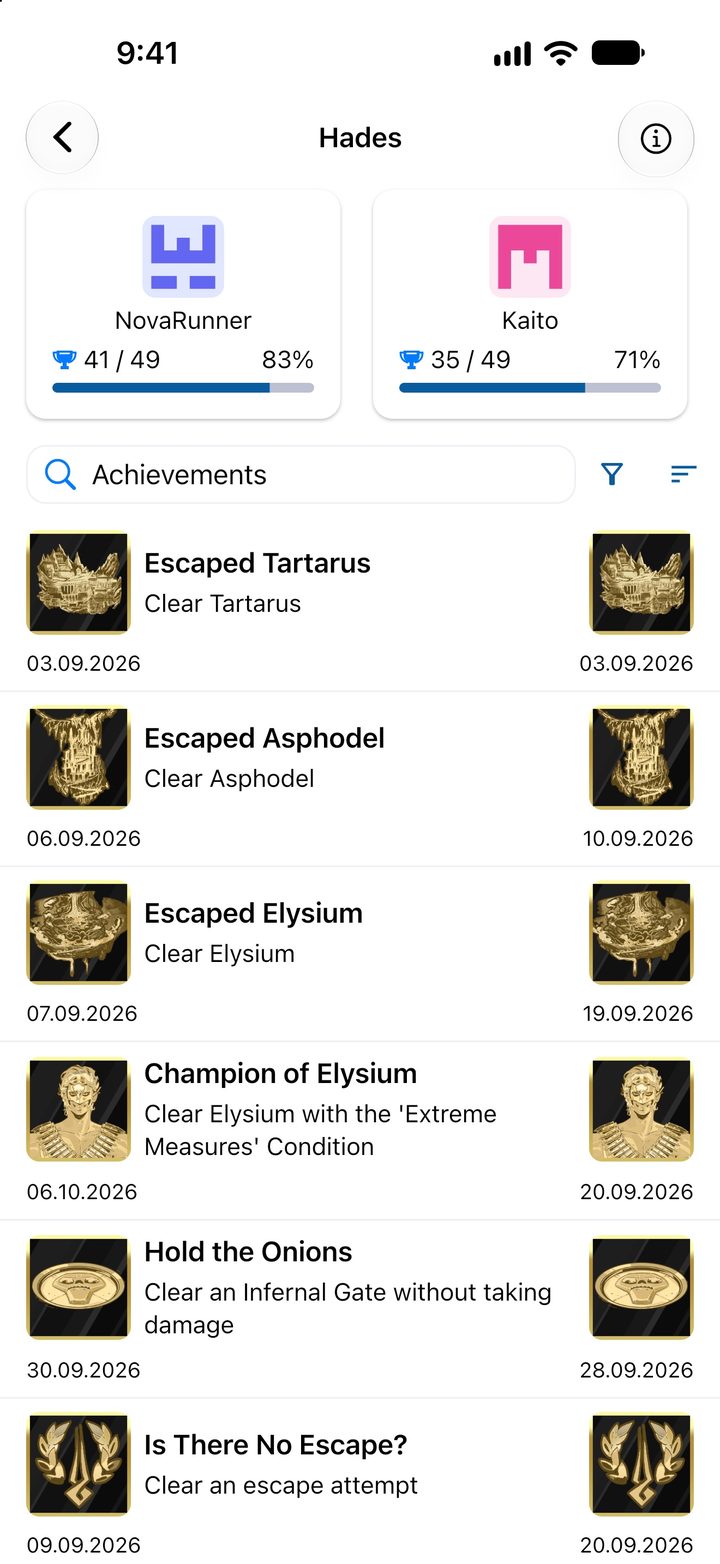
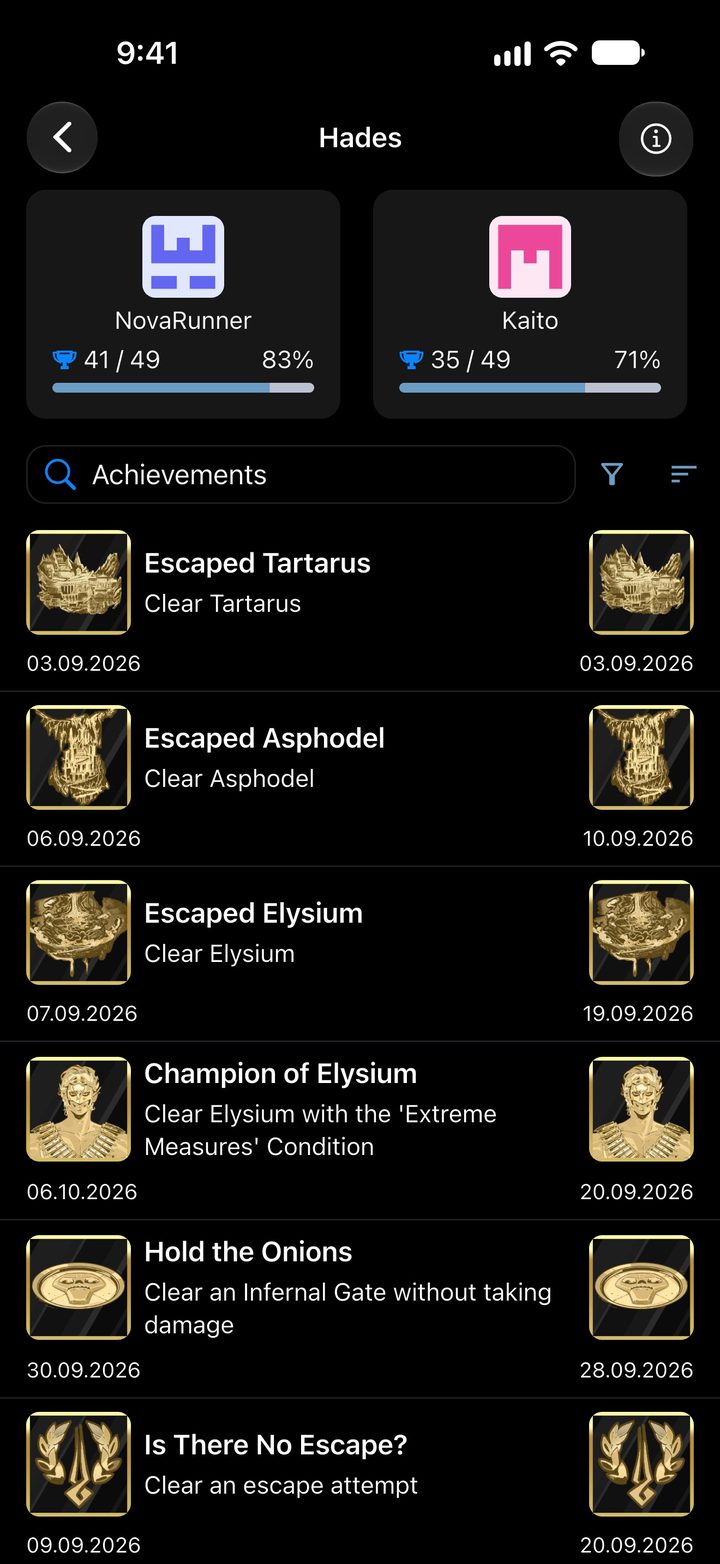
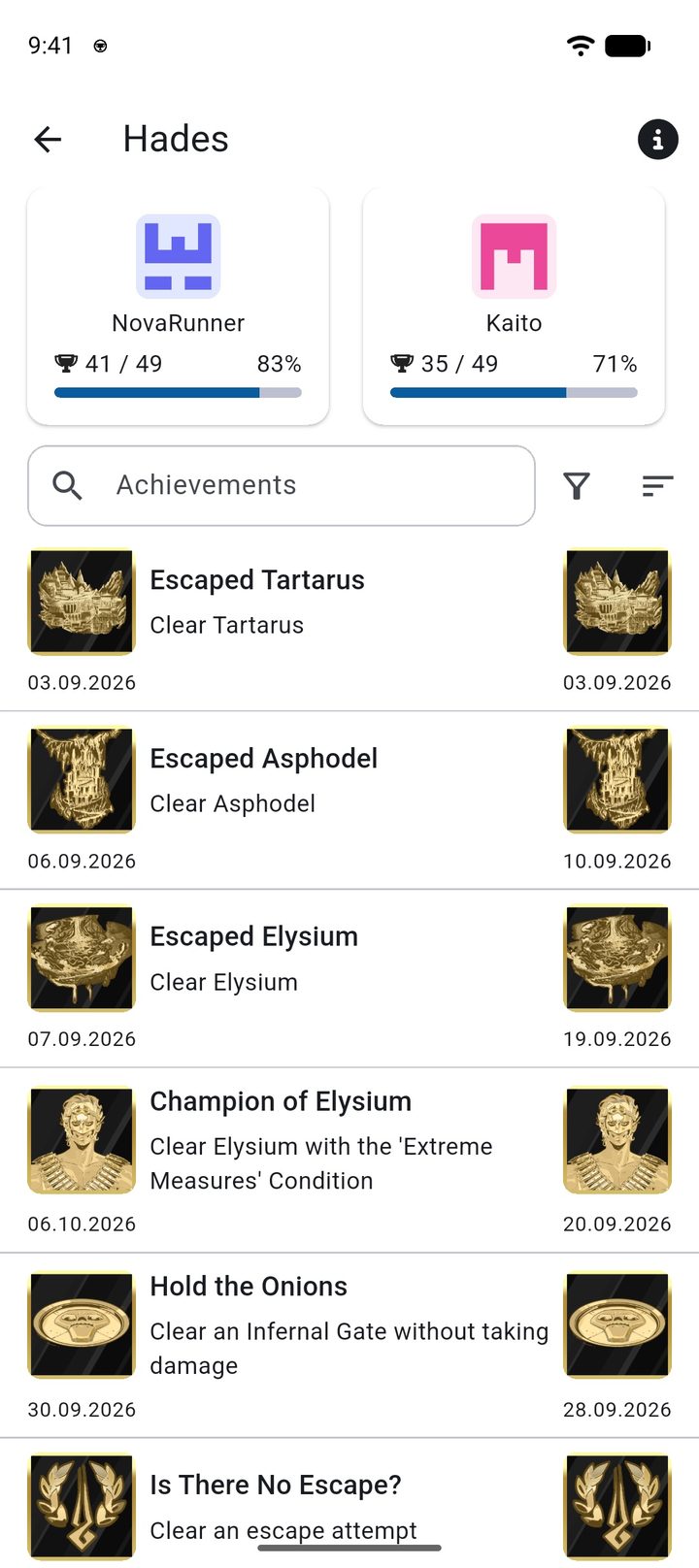
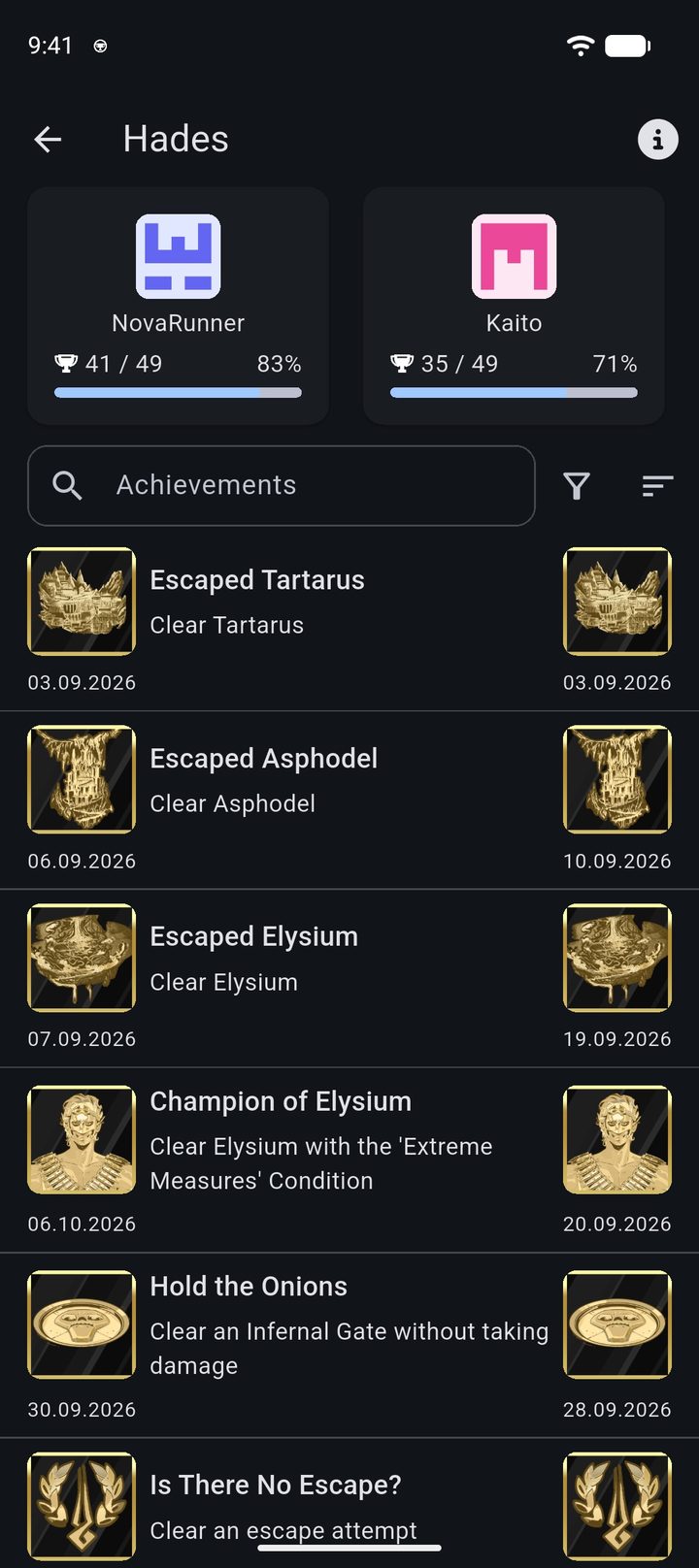
Progress in Hades compared with a friend -
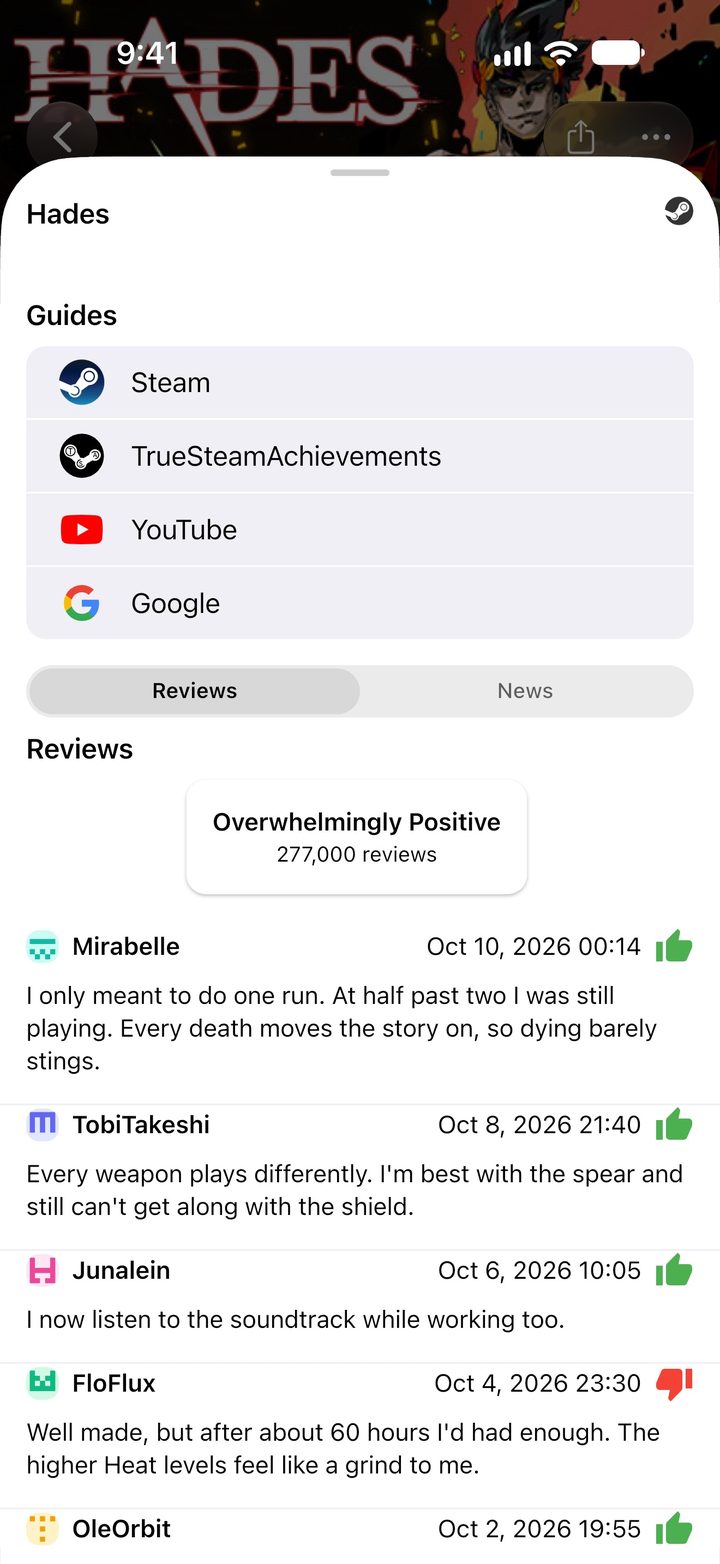
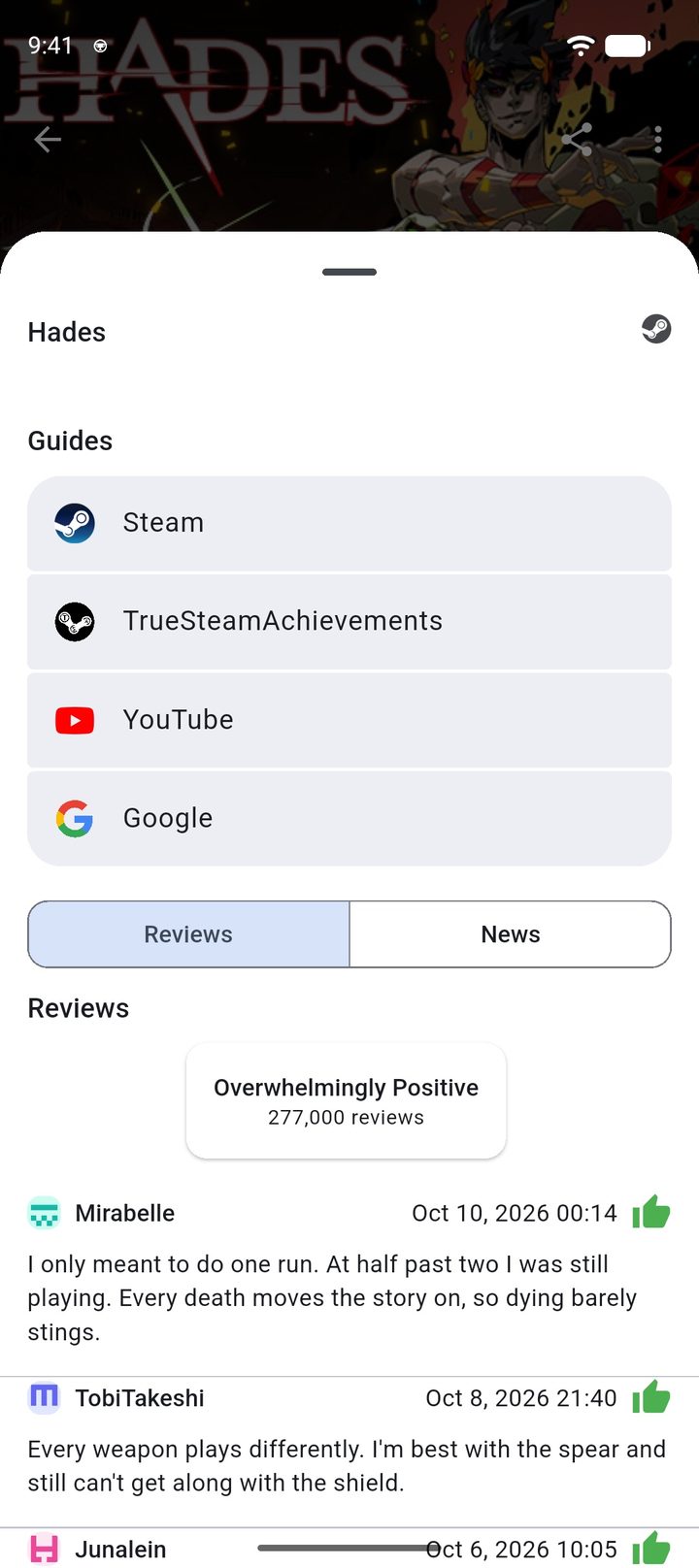
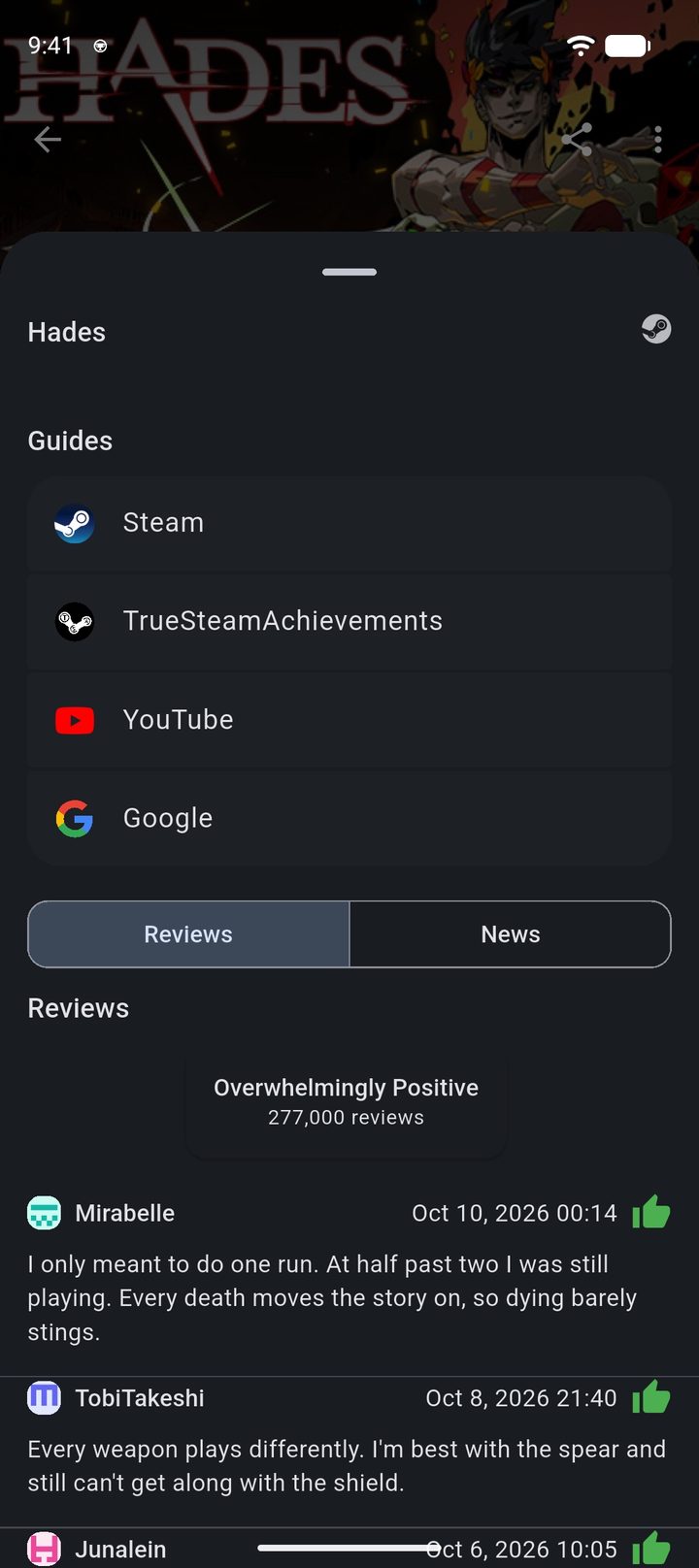
Steam store reviews of Hades
Connecting Steam
There are two ways:
- Login via Steam: you sign in on Steam’s own login page. The app then takes your Steam ID and reads your Web API key from Steam’s developer page.
- Enter manually: you enter your Steam ID and Web API key yourself. If you only know the profile name from your profile address (vanity name), the app looks up the Steam ID for you. You get the key at steamcommunity.com/dev/apikey.
To create a Web API key, your account needs the Steam Mobile Authenticator. The app only stores your Steam ID and key, never a password.
For the app to read everything, your Steam profile needs these settings:
- “My profile” and “Game details” are set to Public.
- “Always keep my total playtime private” is not checked.
- For the friend features, your Friends list is public as well.
In the app’s settings under Steam there is a button that opens Steam’s privacy settings directly.
What Steam provides compared with the other platforms, and what it doesn't, is in the platform comparison.